A website redesign is a chance to improve how your business looks, loads and converts. Done badly, it is also one of the fastest ways to lose search rankings, break tracking and confuse customers. Agencies avoid those outcomes with a repeatable process. Use this website redesign checklist to plan each stage so the new site outperforms the old one from the day it launches.
Phase One: Plan and Audit
1. Define goals and success metrics
Decide what the redesign must achieve: more enquiries, higher online sales, faster load times, better lead quality or a refreshed brand. Attach a measurable target to each goal so you can judge success afterwards. Without targets, design debates turn into opinion contests.
2. Audit current performance
Review analytics to learn which pages attract traffic, which convert and where visitors drop off. Look at device split, page speed and user behaviour tools such as heatmaps or session recordings. This evidence shows what to keep, what to fix and what to remove.
3. Crawl and inventory every URL
Use a crawling tool to list every page, along with titles, headings, traffic, inbound links and rankings. This inventory is your safety net. Pages that earn traffic or backlinks must be preserved or redirected carefully, or you risk losing that value permanently.
4. Review and prioritise content
For each page decide whether to keep, improve, merge or remove it. Thin or duplicate pages can be consolidated, while high-performing pages should be protected. A redesign is also the ideal time to rewrite weak copy and strengthen calls to action.
Phase Two: Design and Build
5. Plan the sitemap and navigation
Organise pages into a logical structure that matches how customers think, not how your company is organised. Keep important pages within a few clicks of the homepage and use clear, descriptive menu labels. Good structure helps both visitors and search engines understand your site.
6. Wireframe key templates
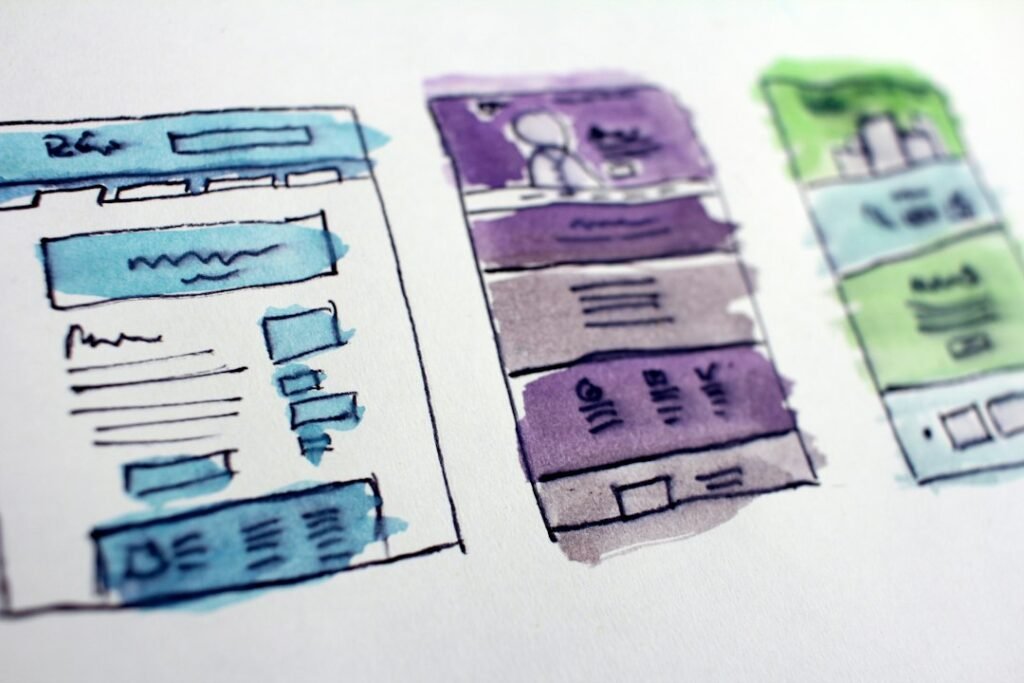
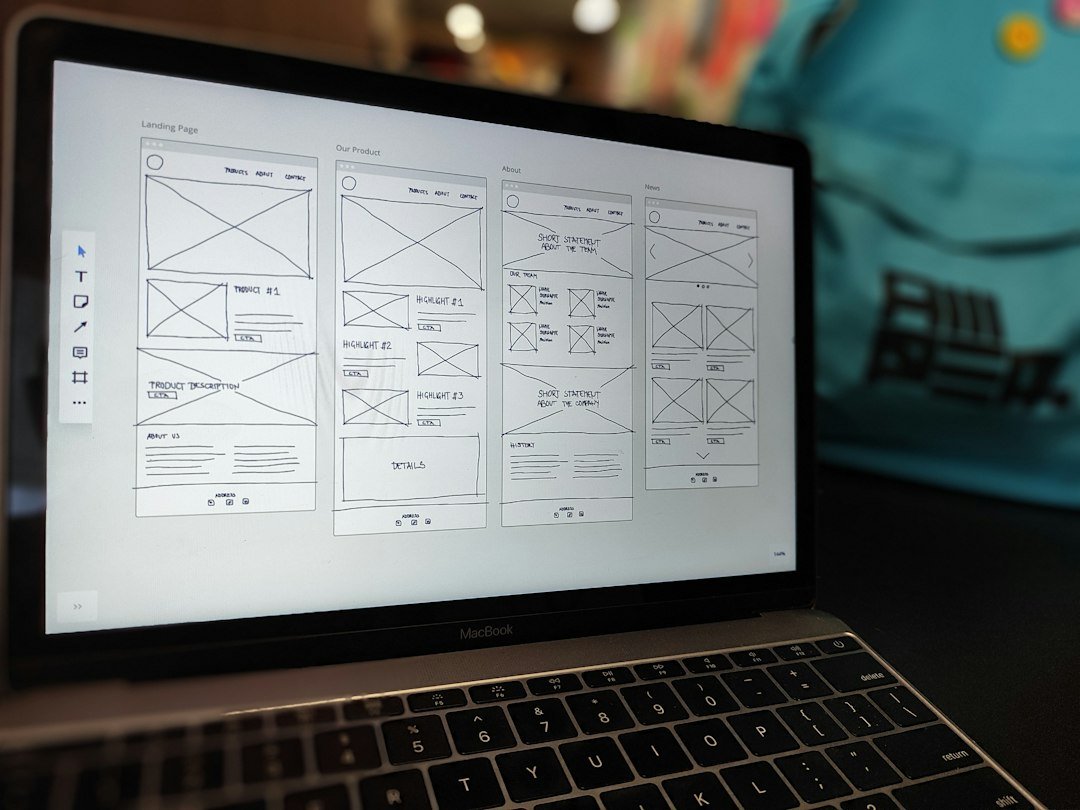
Sketch the layout of your homepage, service pages, blog, contact page and any product templates before choosing colours or fonts. Wireframes let stakeholders debate structure and messaging cheaply, before design and development time is spent.
7. Design with brand and accessibility in mind
Apply your visual identity consistently and design mobile first, since most visitors will arrive on a phone. Check colour contrast, text size and button spacing for accessibility, and write descriptive alt text for images. If your brand itself needs attention first, read our guide to the brand identity process.
8. Build for speed and performance
Fast pages convert better and rank more easily. Compress images, limit heavy scripts and plugins, use caching and test Core Web Vitals during development rather than after launch. Choose a clean, lightweight theme or framework as the foundation.
Phase Three: Protect Your SEO
9. Prepare a 301 redirect map
Map every old URL that will change to its closest new equivalent using permanent 301 redirects. Avoid sending everything to the homepage, which wastes link value and confuses users. Keep URLs the same wherever possible, because the safest redirect is the one you never need.
10. Set up tracking before launch
Install analytics, define conversion events for forms, calls and purchases, and verify your site in Google Search Console. Test that tracking fires correctly on the staging site, so you have clean before-and-after data and do not lose a day of results at launch.
Phase Four: Test, Launch and Improve
11. Test thoroughly on staging
Work through every template on multiple browsers and devices. Check forms, links, checkout flows, page speed and accessibility. Keep the staging site hidden from search engines while you test, then confirm the noindex setting is removed at launch. Forgetting that one step is a classic and costly mistake.
12. Launch, monitor and iterate
Choose a low-traffic window, switch the redirects on, submit the new XML sitemap and re-crawl the live site to catch broken links and missing pages. Monitor Search Console, rankings, conversions and error reports daily for the first few weeks. Expect small fluctuations, fix problems quickly and keep improving using real user data.
Redesign Mistakes to Avoid
- Changing URLs and page titles without a redirect plan.
- Launching without tracking, leaving you blind to results.
- Prioritising visual flair over speed and clarity.
- Deleting pages that earn traffic or backlinks.
- Treating launch as the finish line instead of the starting point.
If your business relies on customers nearby, review the local SEO guide so your new pages support local visibility from the start.
Frequently Asked Questions
How long does a website redesign take?
Timelines depend on size and complexity. A small brochure site may take several weeks, while a large site with custom functionality can take several months. Planning and content preparation usually take longer than people expect.
Will a redesign hurt my SEO?
It can if URLs, content and metadata change without planning, but it does not have to. With a thorough URL inventory, proper redirects and post-launch monitoring, many sites keep or improve their rankings.
Should I redesign or just refresh?
If your site is slow, hard to use on mobile or built on outdated technology, a full redesign makes sense. If your structure and content perform well, a targeted refresh of design and key pages is cheaper and carries less risk.
Plan Your Redesign With Experts
A structured process protects the traffic you have earned and builds a stronger foundation for growth. To discuss your project, visit our services page or contact us today.